
Top Benefits of Using Restoro for PC Optimization and Repair
A slow computer can feel like driving a car with the parking brake still engaged. Everything technically works, but nothing performs the way it should. Whether you’re dealing with frustrating startup delays, unexpected crashes, freezing applications, or suspicious malware activity, keeping a Windows PC running smoothly requires regular maintenance. This is where Restoro enters the picture.
Restoro is a Windows repair and optimization utility designed to scan, diagnose, and repair various software-related issues affecting system performance. The software combines system repair, malware detection, file replacement, and optimization tools into a single platform. According to product descriptions and reviews, Restoro can identify damaged Windows files, registry issues, malware-related damage, and stability problems while offering automated repair solutions.
The growing popularity of PC optimization tools comes from a simple reality: most users do not have the technical expertise to manually troubleshoot Windows errors. Instead of spending hours searching forums, reinstalling drivers, or performing system restores, users often prefer a solution that automates the process. Throughout this guide, we’ll explore the major benefits of using Restoro, its key features, advantages, limitations, and whether it might be the right choice for your PC maintenance needs.
Table of Contents
Understanding Restoro
What Is Restoro?
Restoro is a Windows repair and optimization platform developed specifically for diagnosing software-related system issues. The software scans a computer’s operating system and identifies problems related to performance, stability, security, and damaged files. Unlike traditional antivirus programs that focus solely on threat detection, Restoro aims to repair damage caused by malware while also addressing Windows performance concerns.
One of the software’s most talked-about features is its ability to replace damaged or missing Windows system files using a cloud-based database of clean replacement files. This approach can potentially eliminate the need for complete Windows reinstallation in some situations. According to publicly available information, Restoro also offers registry optimization, crash analysis, junk file detection, and malware monitoring.
For everyday users, the appeal lies in convenience. Instead of navigating multiple repair utilities, command-line tools, and security applications, users gain access to a centralized dashboard that evaluates system health and suggests repairs.
How Restoro Works
The process begins with a comprehensive system scan. During this scan, Restoro evaluates hardware health indicators, system stability, security risks, and Windows file integrity. It collects information about crashed programs, malware traces, damaged registry entries, and missing DLL files.
Once the scan is complete, users receive a detailed report highlighting detected issues. The software then provides repair recommendations and automated solutions. The automated repair mechanism is one of Restoro’s strongest selling points because it reduces the need for manual troubleshooting. Users who are unfamiliar with Windows diagnostics often appreciate this simplified workflow.
The software is designed to be accessible for beginners while still providing valuable insights for more experienced users who want a quick overview of system health without digging through multiple diagnostic utilities.
Why PC Optimization Matters
Common Causes of Slow PC Performance
Most computers don’t become slow overnight. Performance degradation is usually gradual and results from a combination of factors. Temporary files accumulate, registry entries become fragmented, software conflicts emerge, startup programs multiply, and malware may quietly consume system resources.
Over time, these small issues combine to create noticeable slowdowns. Applications take longer to open, web browsers become sluggish, and system responsiveness decreases. In some cases, corrupted Windows files can trigger recurring error messages or system instability.
The challenge for average users is identifying the root cause. A slow computer might be suffering from malware, damaged files, excessive background processes, registry problems, or multiple issues simultaneously. That’s why comprehensive diagnostic tools have become increasingly valuable in modern PC maintenance.
The Cost of Ignoring System Issues
Ignoring system issues can lead to more serious problems down the road. What begins as a minor slowdown can eventually evolve into frequent crashes, application failures, or even complete system instability. Businesses face productivity losses when employees spend time waiting for slow computers or dealing with unexpected downtime.
Home users are equally affected. Whether you’re attending online classes, editing videos, gaming, or managing finances, unreliable performance creates frustration and wasted time. In severe situations, unresolved malware infections can compromise sensitive information and create security risks.
Regular optimization helps prevent these issues from escalating. By identifying problems early and applying repairs before they become critical, users can extend the life of their systems and maintain consistent performance.
Key Benefits of Using Restoro
Comprehensive System Scanning
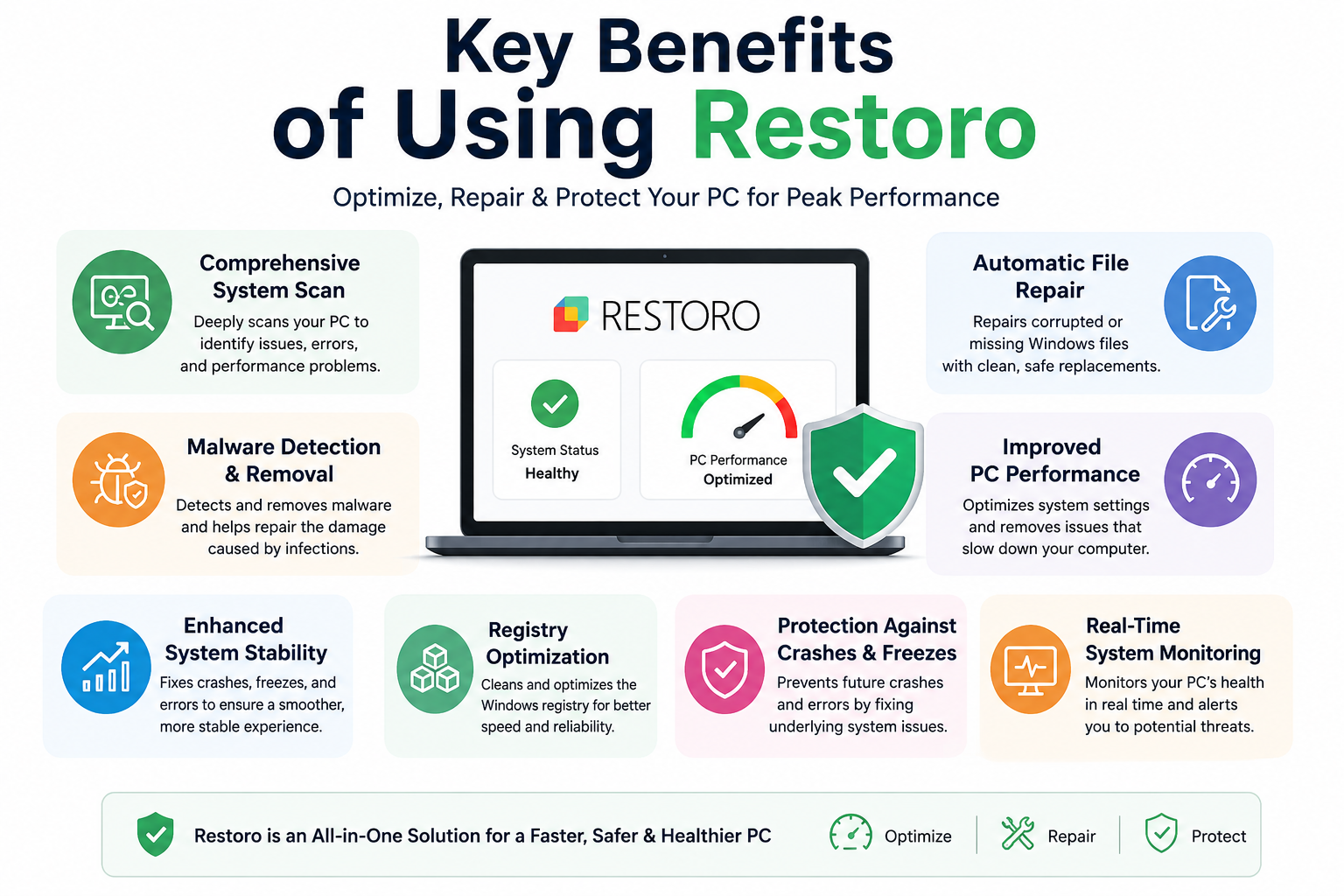
One of the most significant benefits of Restoro is its comprehensive diagnostic capability. Rather than focusing on a single aspect of system health, the software examines multiple areas simultaneously. It analyzes hardware conditions, Windows stability, malware threats, registry problems, and damaged system files.
This all-in-one approach saves users time and effort. Instead of running separate antivirus scans, registry cleaners, and diagnostic utilities, a single scan provides a broad overview of system health. The resulting report offers actionable insights that help users understand the condition of their computers.
Comprehensive scanning is particularly useful because many performance problems have interconnected causes. A fragmented registry may contribute to slow performance, while malware damage could trigger application crashes. Detecting these issues together creates a more complete picture of system health.
Automatic Windows File Repair
Corrupted Windows files are among the most common causes of system instability. Missing DLL files, damaged system components, and broken registry entries can trigger crashes, startup failures, and persistent error messages.
Restoro’s repair technology focuses on identifying and replacing damaged Windows files with clean versions from its online database. According to product information, this database contains millions of Windows files used for repair and restoration purposes.
The practical advantage is significant. Instead of manually locating replacement files or reinstalling Windows, users can potentially restore functionality through automated repairs. This feature can save hours of troubleshooting and reduce the need for advanced technical knowledge.
Malware Detection and Removal
Malware remains one of the leading causes of PC performance problems. Even relatively minor infections can consume system resources, slow internet browsing, and create security vulnerabilities.
Restoro includes malware detection and removal capabilities designed to identify harmful software and repair damage caused by infections. While it may not replace a dedicated antivirus suite entirely, it offers an additional layer of protection and recovery.
This combination of malware detection and system repair is valuable because removing malware alone does not always restore a system to optimal condition. Files, settings, and registry entries damaged during an infection often require additional repairs. Restoro attempts to address both challenges within the same platform.
Improved PC Performance
Performance improvement is one of the primary reasons people install optimization software. By removing system bottlenecks, repairing damaged files, and eliminating resource-consuming issues, Restoro aims to improve overall responsiveness.
Users often report benefits such as:
Performance Area | Potential Improvement |
Boot Time | Faster startup |
Application Launch | Reduced loading delays |
System Responsiveness | Smoother multitasking |
Stability | Fewer crashes |
Resource Usage | Better efficiency |
The extent of improvement varies depending on the condition of the system before optimization, but addressing underlying issues can produce noticeable results.
Enhanced System Stability
Few things are more frustrating than a computer that freezes unexpectedly. Stability issues can disrupt work, gaming sessions, online meetings, and creative projects.
Restoro identifies programs prone to crashing and investigates system instability factors. By repairing damaged files and addressing registry-related issues, the software aims to reduce unexpected failures and improve reliability.
A stable system isn’t just more pleasant to use—it also protects productivity. Less downtime means fewer interruptions and greater confidence in your computer’s ability to perform consistently.
Registry Optimization
The Windows registry acts as a central database for operating system settings and application configurations. Over time, invalid entries, outdated references, and fragmented records can accumulate.
Restoro includes registry optimization capabilities designed to identify and address problematic entries. While registry cleaning alone isn’t a miracle performance booster, it can contribute to overall system health when combined with other optimization efforts.
For users who install and uninstall software frequently, registry maintenance can help reduce clutter and minimize configuration conflicts.
Protection Against Crashes and Freezes
System crashes often stem from software conflicts, corrupted files, or damaged Windows components. Restoro actively scans for these issues and offers repair solutions intended to reduce crash frequency.
The ability to proactively identify potential stability concerns before they become major problems is a key advantage. Rather than waiting for repeated failures, users can address vulnerabilities early and maintain a smoother computing experience.
Restoro Features Explained
Hardware Monitoring
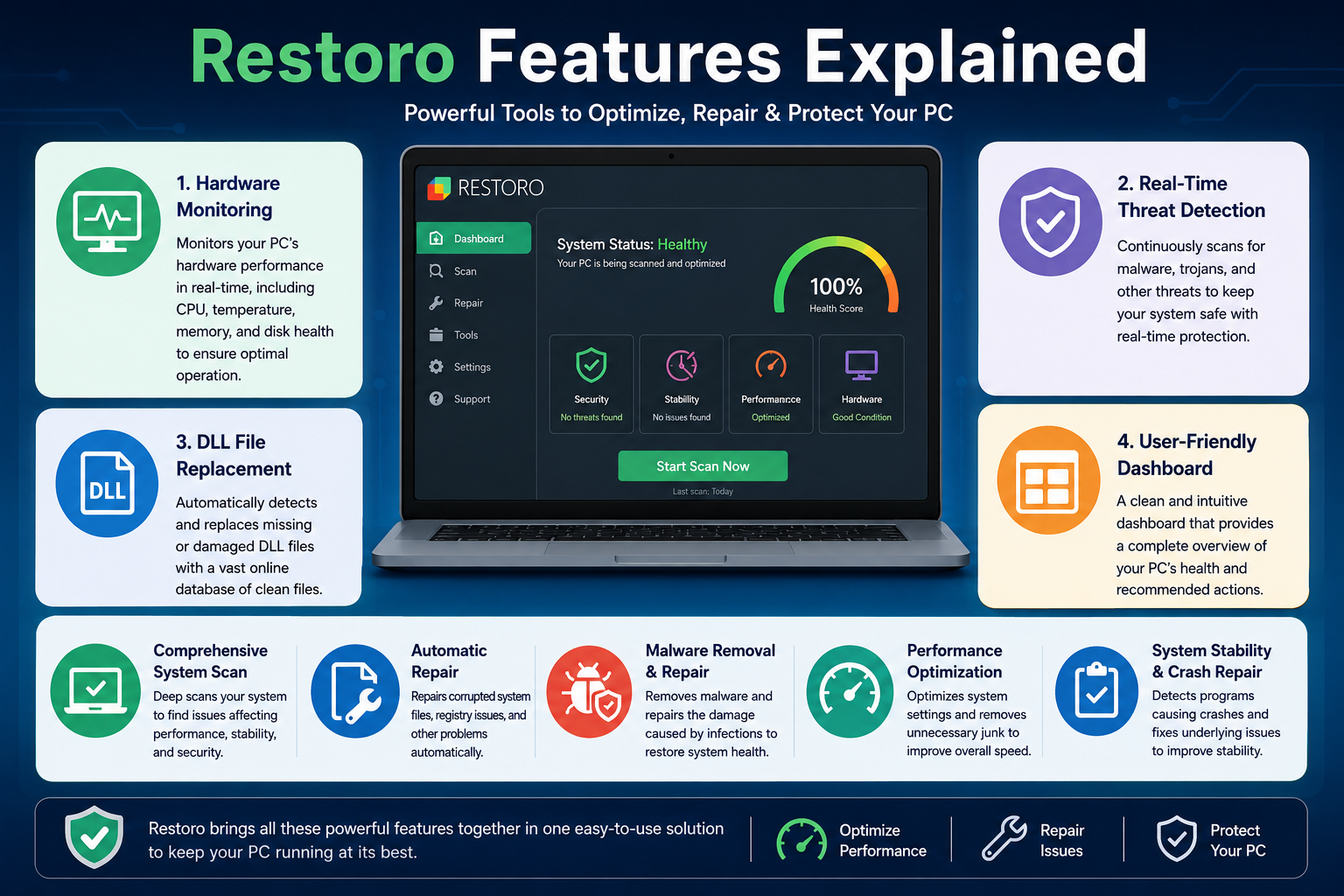
Restoro doesn’t limit itself to software diagnostics. The platform also evaluates certain hardware-related indicators, including processor performance and system temperature data. This helps users understand whether hardware conditions may be contributing to performance problems.
Real-Time Threat Detection
Modern threats evolve quickly, making real-time monitoring increasingly important. Restoro includes real-time threat detection capabilities designed to identify suspicious activity before it causes significant damage.
This proactive approach helps complement traditional security practices and adds another layer of system protection.
DLL File Replacement
Missing DLL files are notorious for causing software failures. Applications often depend on specific DLL components to function correctly. Restoro’s ability to identify and replace missing DLL files can help resolve recurring software errors without requiring complete reinstallation.
User-Friendly Dashboard
Technical tools often intimidate less experienced users. Restoro addresses this challenge through a straightforward interface that organizes findings into easy-to-understand categories. The dashboard presents system health information in a way that simplifies decision-making and encourages proactive maintenance.
Restoro vs Traditional PC Repair Methods
Time Savings
Traditional troubleshooting can involve hours of research, driver updates, command-line repairs, malware scans, and software reinstalls. For non-technical users, identifying the root cause of a problem may be the most difficult step.
Restoro streamlines this process by automating diagnosis and repair recommendations. Instead of manually investigating each issue, users receive a consolidated report and guided repair options. This efficiency can save considerable time and reduce frustration.
Cost Efficiency
Professional PC repair services can become expensive, particularly for recurring software issues. While Restoro requires a paid license to unlock repair functionality, many users view it as a more affordable alternative to repeated technician visits.
That said, users should evaluate their specific needs and compare software solutions before making purchasing decisions.
Who Should Use Restoro?
Home Users
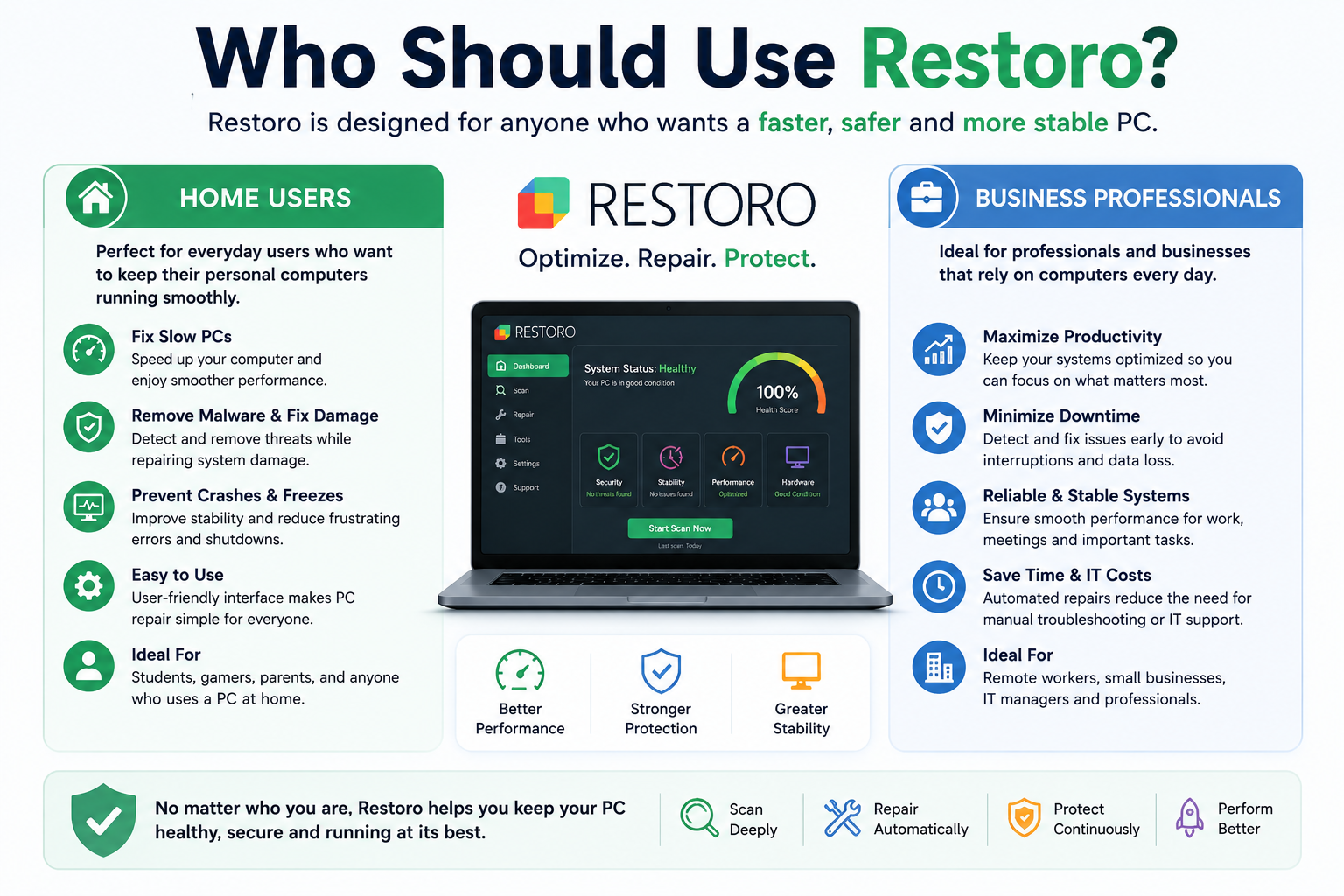
Home users frequently encounter slowdowns caused by everyday computing habits. Downloading software, browsing the web, installing updates, and storing large amounts of data gradually affect system performance.
Restoro’s automated repair tools make it attractive for individuals who want maintenance assistance without learning advanced troubleshooting techniques. Students, casual users, gamers, and remote workers may all benefit from simplified optimization workflows.
Business Professionals
Business environments rely heavily on stable and responsive systems. Unexpected downtime can affect productivity, customer service, and operational efficiency.
Professionals who depend on their PCs for design work, video editing, data analysis, or office productivity may appreciate tools that help maintain system health and reduce interruptions. Automated maintenance can be particularly valuable for users managing multiple systems.
Why PatPat Has Become a Popular Choice for Kids and Family Clothing
How Holiday Autos Helps Travelers Find Affordable Car Rentals Worldwide
How ActivTrak Helps Businesses Improve Team Productivity
Top Benefits of Using Audiobooks.com for Daily Learning and Entertainment
Top Sunday Riley Skincare Products Worth Trying This Year
Pros and Cons of Restoro
Pros | Cons |
Comprehensive system scanning | Full repair features require payment |
Automatic file repair | Some experts recommend caution with system optimizers |
Malware detection capabilities | Not a complete replacement for dedicated antivirus software |
User-friendly interface | Results vary depending on system condition |
Potential performance improvements | Limited customization options reported by reviewers |
It’s important to note that opinions about PC optimization tools vary. While many reviews highlight Restoro’s repair capabilities and convenience, some security experts and forums advise users to evaluate such software carefully before installation.
Conclusion
Restoro has positioned itself as an all-in-one solution for Windows repair, optimization, and maintenance. Its ability to scan for system issues, replace damaged Windows files, detect malware, repair registry problems, and improve stability makes it an appealing option for users seeking a simplified approach to PC maintenance. The software’s automated repair process can save time and reduce the complexity traditionally associated with troubleshooting Windows problems.
The biggest advantage of Restoro is convenience. Instead of juggling multiple utilities, users gain access to a centralized platform capable of addressing a wide range of common PC issues. While no optimization tool can guarantee dramatic performance improvements for every system, Restoro offers a practical toolkit for identifying and repairing software-related problems before they become major obstacles.
Frequently Asked Questions
Q. Is Restoro safe to use?
A. Restoro is widely available and used by many Windows users. However, opinions vary among experts, and some security communities recommend researching system optimization tools carefully before installation.
Q. Can Restoro replace an antivirus program?
A. Not completely. Restoro includes malware detection features, but it is generally best used alongside a dedicated antivirus solution for comprehensive protection.
Q. Does Restoro really improve PC performance?
A. It can improve performance by repairing damaged files, removing certain issues, and optimizing system components. Results depend on the existing condition of the PC.
Q. Can Restoro fix Windows crashes?
A. Restoro is designed to identify stability issues and repair damaged system files that may contribute to crashes and freezes.
Q. Is Restoro free?
A. A free version is available for scanning and diagnosis. Repair and optimization functions typically require a paid license.
Table of Contents
Related Posts