Introduction to Ebuyer
What Is Ebuyer?
Ebuyer is a popular online retailer known for electronics, computer components, home office gear, gaming products, and tech accessories. From laptops to printers, it’s a go-to platform for tech lovers and businesses alike.
Why People Choose Ebuyer for Tech Purchases
Why do so many shoppers prefer it? Competitive pricing. Frequent deals. Wide product range. Fast delivery options. It’s like a digital warehouse for all things tech.
But even on trusted platforms, you need to shop smart.
Why Online Shopping Safety Matters
Common Risks of Online Shopping
Let’s face it—cybercrime isn’t a myth. Risks include:
- Phishing scams
- Fake product listings
- Payment fraud
- Identity theft
One careless click can open the door to trouble.
How to Avoid Becoming a Victim
Good news? Most online risks are preventable. With a few smart habits, you can shop confidently without losing sleep.
Step 1 – Access the Official Ebuyer Website
Checking the Correct URL
Always type the website directly into your browser. Refrain from clicking on dubious links in emails or on social media.
Check the spelling carefully. Fake websites often use similar-looking domain names.
Identifying Secure Website Indicators (HTTPS & SSL)
Look for:
- A padlock icon in the address bar
- “https://” at the beginning of the URL
No padlock? Don’t proceed. It’s like entering a store without walls.
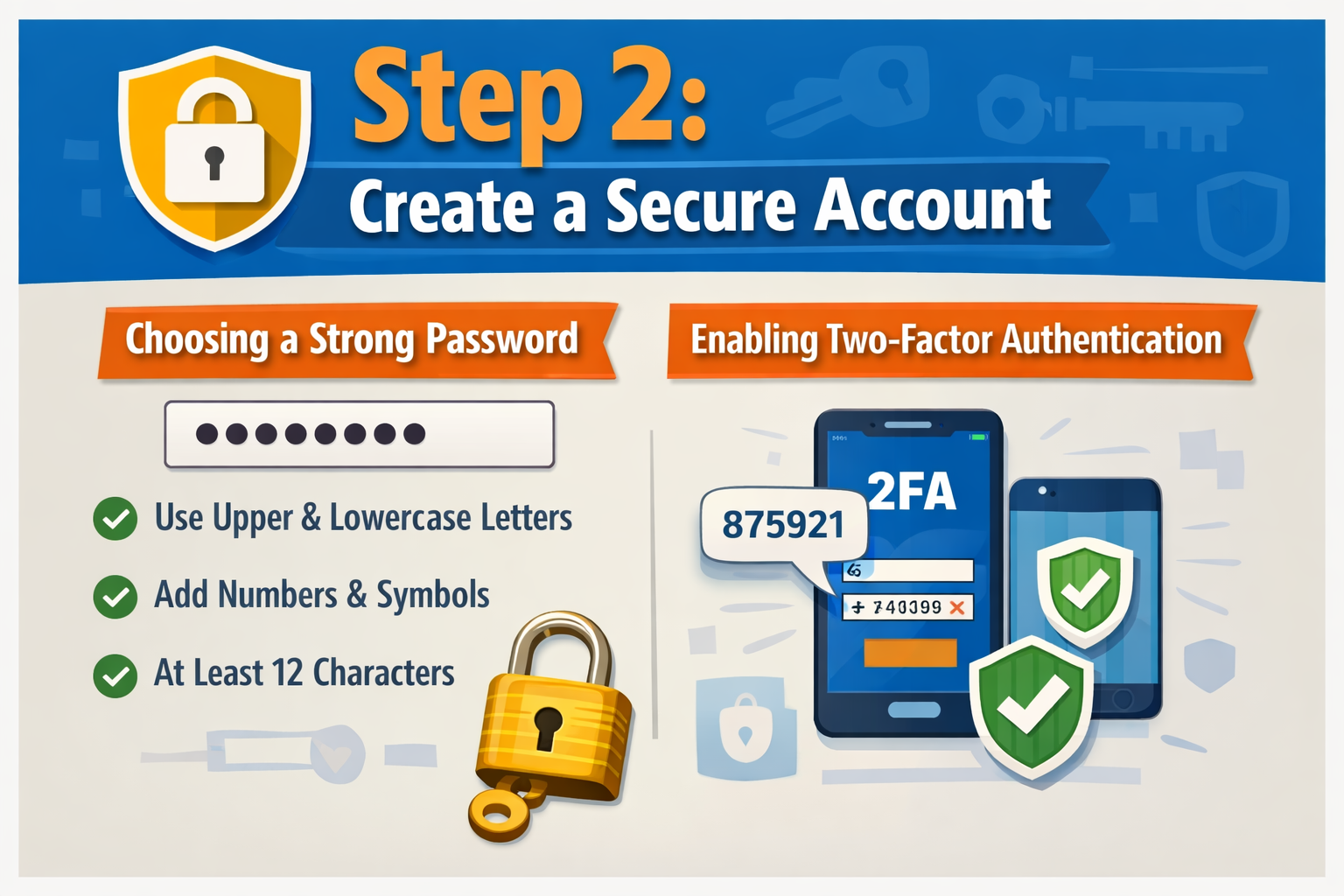
Step 2 – Create a Secure Account
Choosing a Strong Password
Don’t use “123456” or your birthday. Instead:
- Mix uppercase and lowercase letters
- Add numbers and symbols
- Use at least 12 characters
Consider your password to be the key to your virtual home. Would you use a weak lock?
Enabling Two-Factor Authentication
If available, activate two-factor authentication (2FA). It adds an extra layer of security—like having a second lock on your door.
Step 3 – Verify Product Listings Carefully
Reading Product Descriptions Thoroughly
Don’t just look at the images. Read everything:
- Product specifications
- Model numbers
- Warranty details
Details matter, especially for electronics.
Checking Specifications and Compatibility
Buying RAM? Make sure it matches your motherboard. Ordering a printer? Check ink compatibility.
It’s better to double-check than deal with returns later.
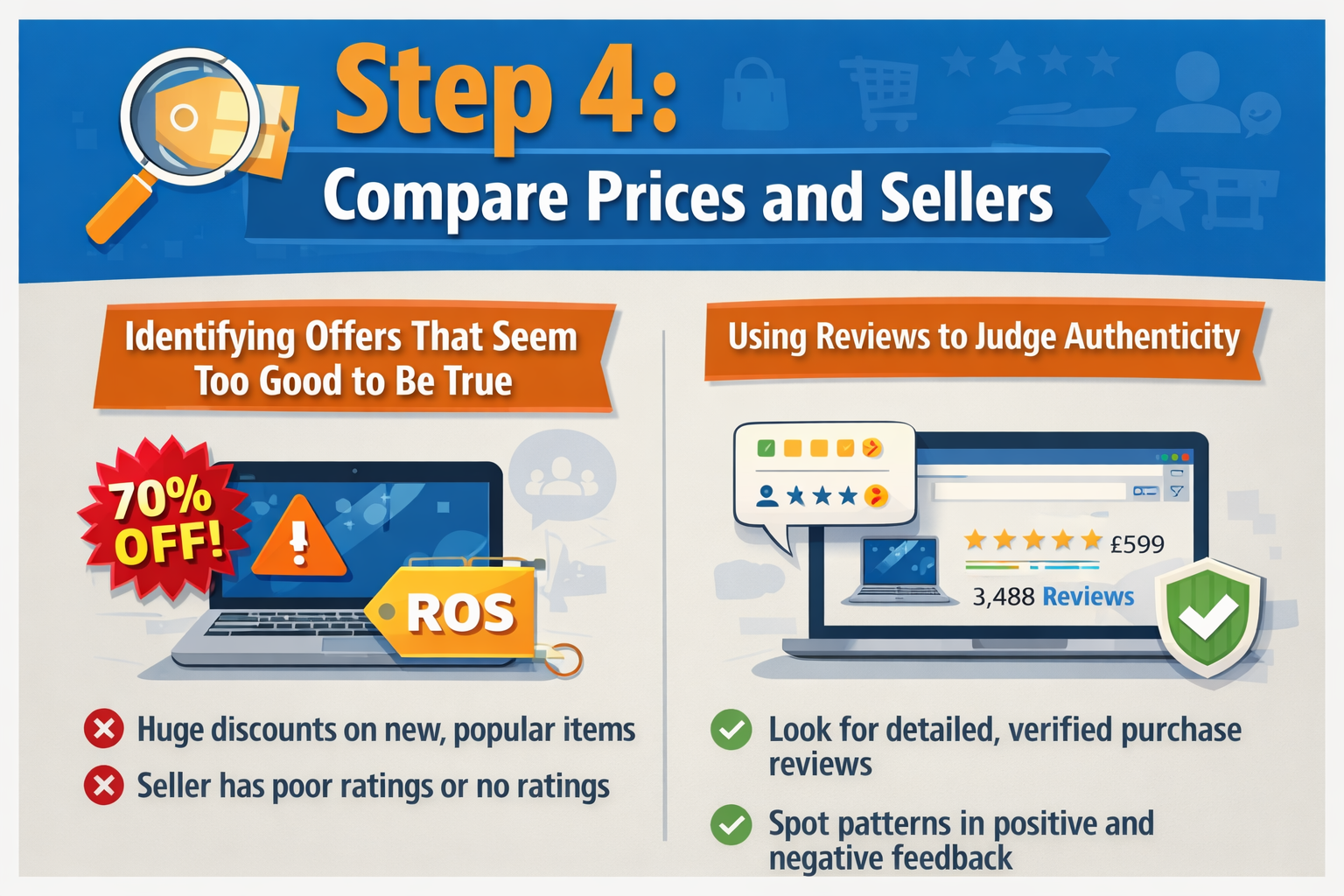
Step 4 – Compare Prices and Sellers
Identifying Offers That Seem Too Good to Be True
If a high-end laptop is 70% off with no explanation, pause. Ask yourself: does this make sense?
Extreme discounts can be red flags.
Using Reviews to Judge Authenticity
Read both positive and negative reviews. Patterns reveal truth. If multiple buyers complain about the same issue, take note.
Step 5 – Review Seller Ratings and Customer Feedback
Understanding Verified Reviews
Look for verified purchase badges. These are usually more trustworthy.
Recognizing Fake Reviews
Fake reviews often:
- Sound overly generic
- Use repetitive phrases
- Lack detail
Trust reviews that share real experiences.
Step 6 – Choose Secure Payment Methods
Credit Cards vs Debit Cards
Compared to debit cards, credit cards often provide superior fraud protection. If something goes wrong, disputes are easier.
Using PayPal or Secure Gateways
Digital wallets like PayPal add an extra layer of protection. They act as a buffer between your bank and the seller.
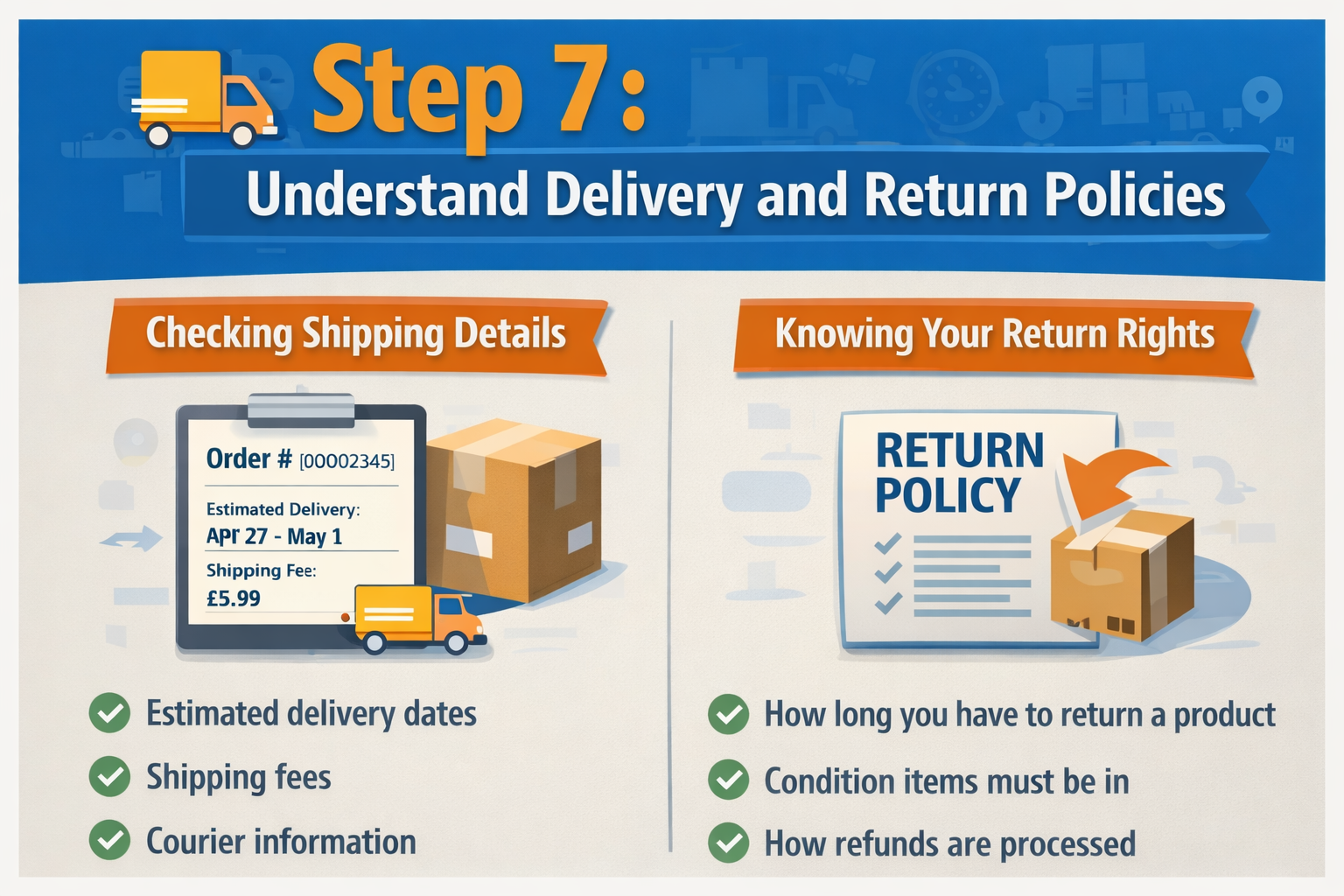
Step 7 – Understand Delivery and Return Policies
Checking Shipping Details
Always check:
- Estimated delivery dates
- Shipping fees
- Courier information
Surprises are great for birthdays—not delivery charges.
Knowing Your Return Rights
Read the return policy carefully. Understand:
- Return window
- Condition requirements
- Refund processing time
Knowledge here can save stress later.
Step 8 – Protect Your Personal Information
Avoiding Public Wi-Fi Transactions
Public Wi-Fi is convenient—but risky. Hackers often target unsecured networks.
Shop using a secure home connection whenever possible.
Keeping Your Device Secure
Install:
- Antivirus software
- Firewall protection
- Regular system updates
Think of these as digital security guards.
Step 9 – Track Your Order Safely
Monitoring Shipment Updates
Use official tracking links provided inside your account dashboard.
Identifying Suspicious Emails
Be careful of emails asking for additional payment or login verification. Always verify directly through the website—not email links.
Step 10 – What to Do If Something Goes Wrong
Contacting Customer Support
If your order is delayed or incorrect, contact Ebuyer’s official support team immediately.
Keep order numbers and confirmation emails ready.
Filing a Dispute or Refund Claim
If necessary:
- Raise a payment dispute through your card provider
- Use PayPal’s buyer protection
- Document everything
Act quickly. Timing matters in disputes.
Bonus Safety Tips for Smart Shoppers
Setting Purchase Alerts
Sign up for official newsletters to receive genuine deal notifications. Avoid third-party “deal” emails.
Saving Digital Receipts
Always download or screenshot order confirmations. It’s your proof of purchase.
Conclusion
Shopping on Ebuyer can be smooth, safe, and satisfying—if you stay alert. Think of online shopping like driving. The road is generally safe, but you still wear a seatbelt.
Use strong passwords. Double-check listings. Choose secure payments. Avoid suspicious links.
A little caution today prevents big headaches tomorrow.
Shop smart. Stay secure. Enjoy your tech.
Frequently Asked Questions